
Skip to content
AS LABS ✓

AS Post HUD G

Free

★★★★★ 5.0 · 1 review

🔥 5 sold

📸 Seen in 2 photos
−20% Group members get a discount in the in-world store 👥 Join the group
📋 Copy ✏️ Modify 🔄 Transfer 🧊 100% Mesh 🏷️ Version 1.8 👕 Wearable 🪑 Rezzable
🛍️ Shop on Marketplace ↗
📍 Visit in-world
QR code of AS Post HUD

▦ QR code

Scan it to open this product. Click the code to download it: print it or use it as a texture in your Second Life store.

🛟 For any problem, contact

Purchases happen on the Second Life Marketplace or in the in-world store: AvatarShot does not handle payments.

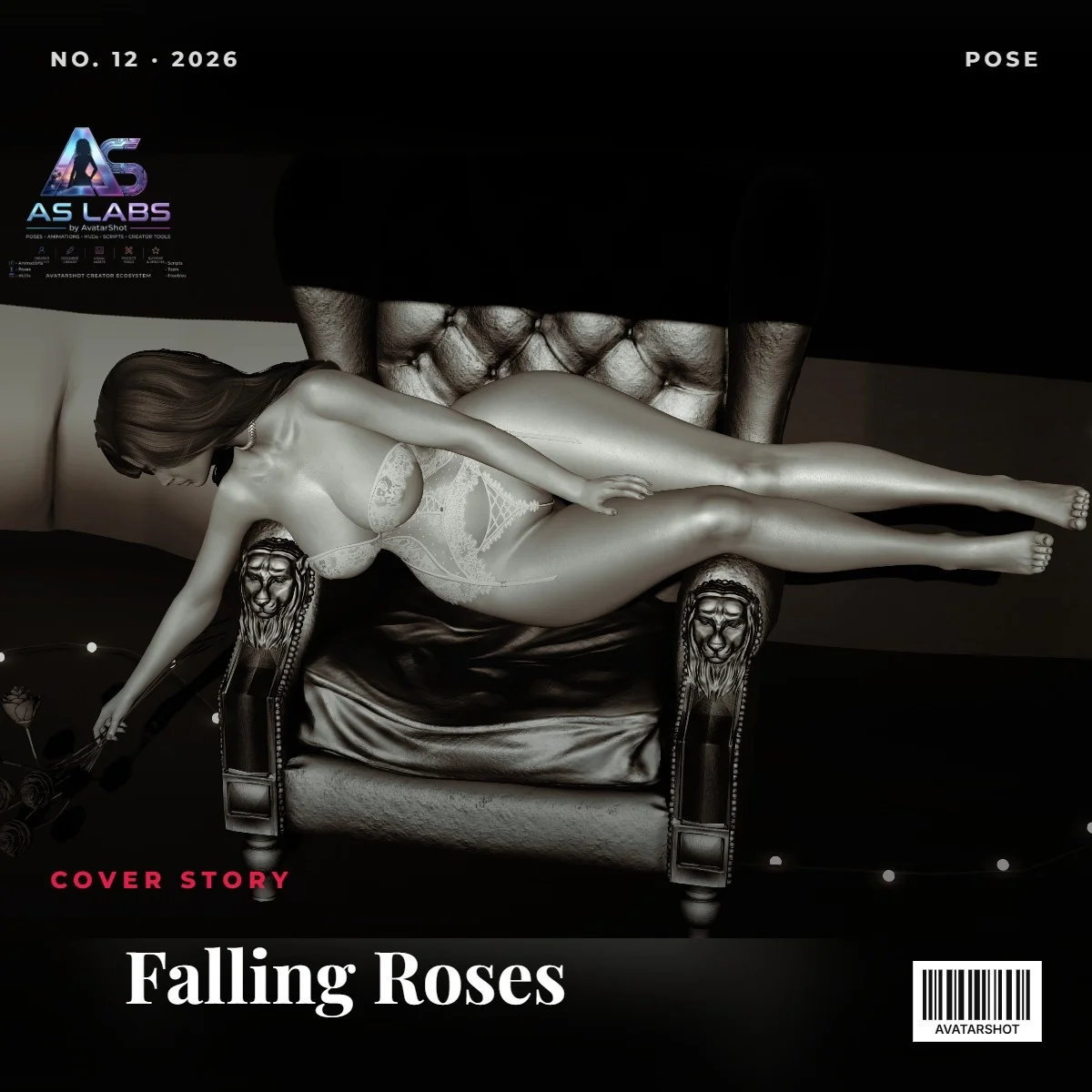
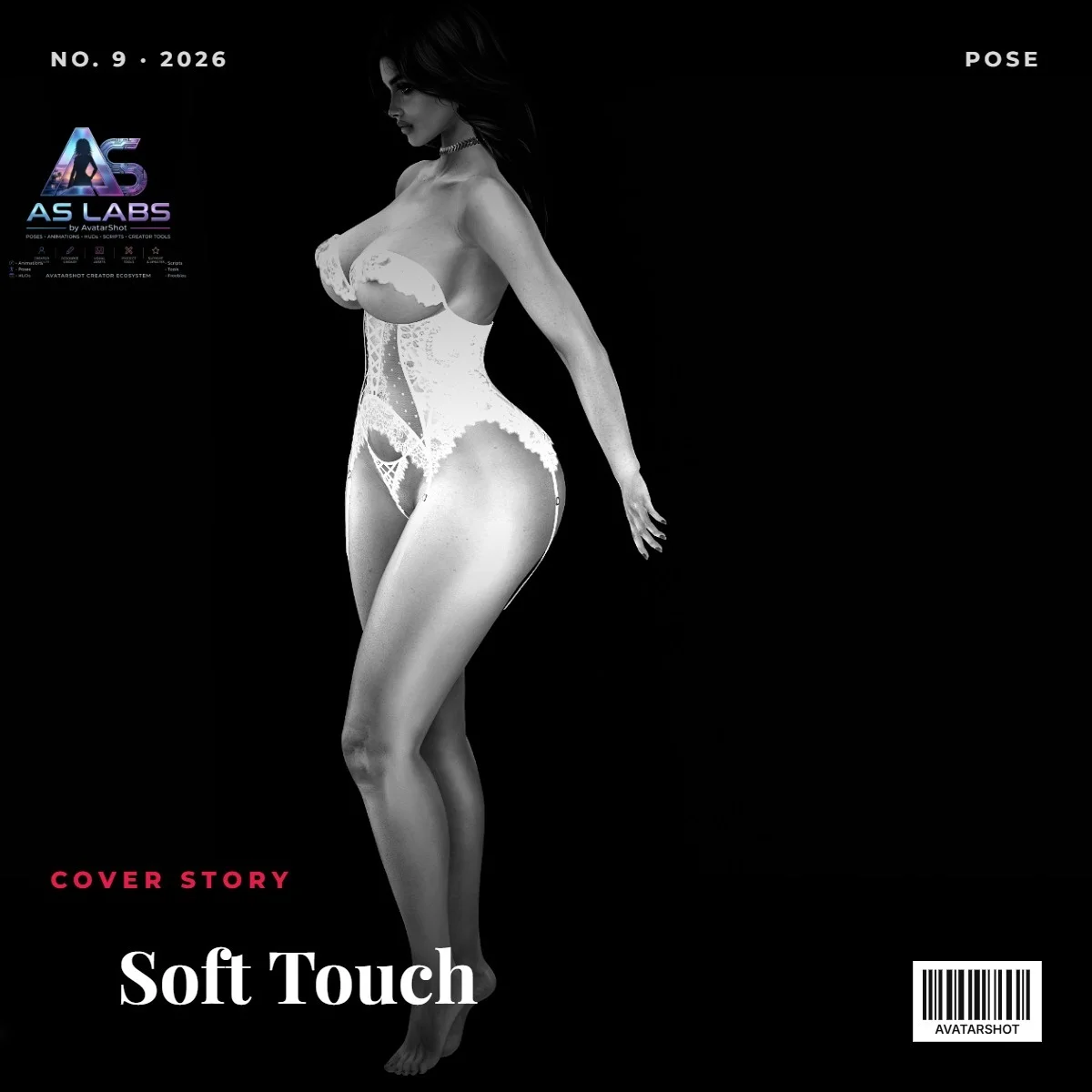
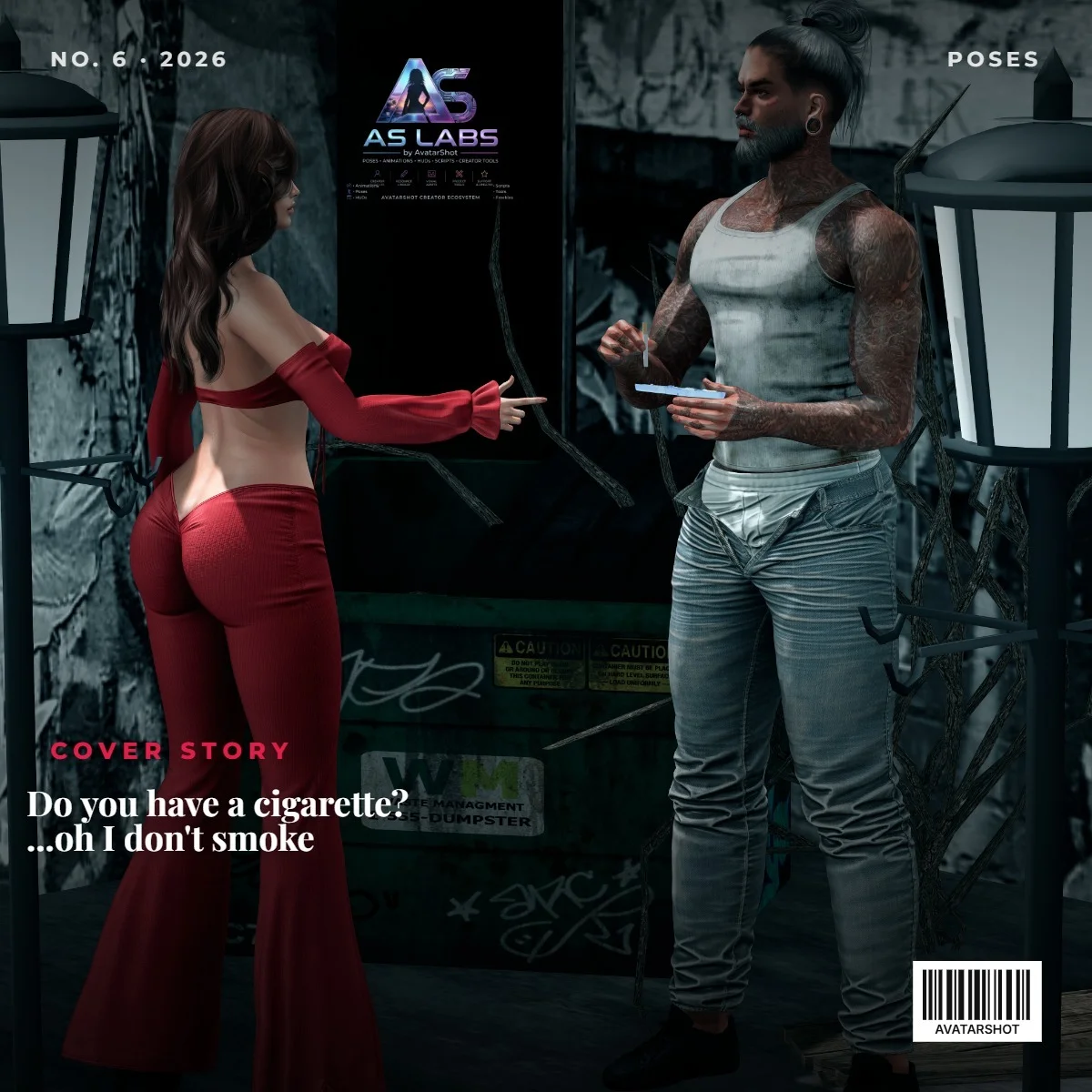
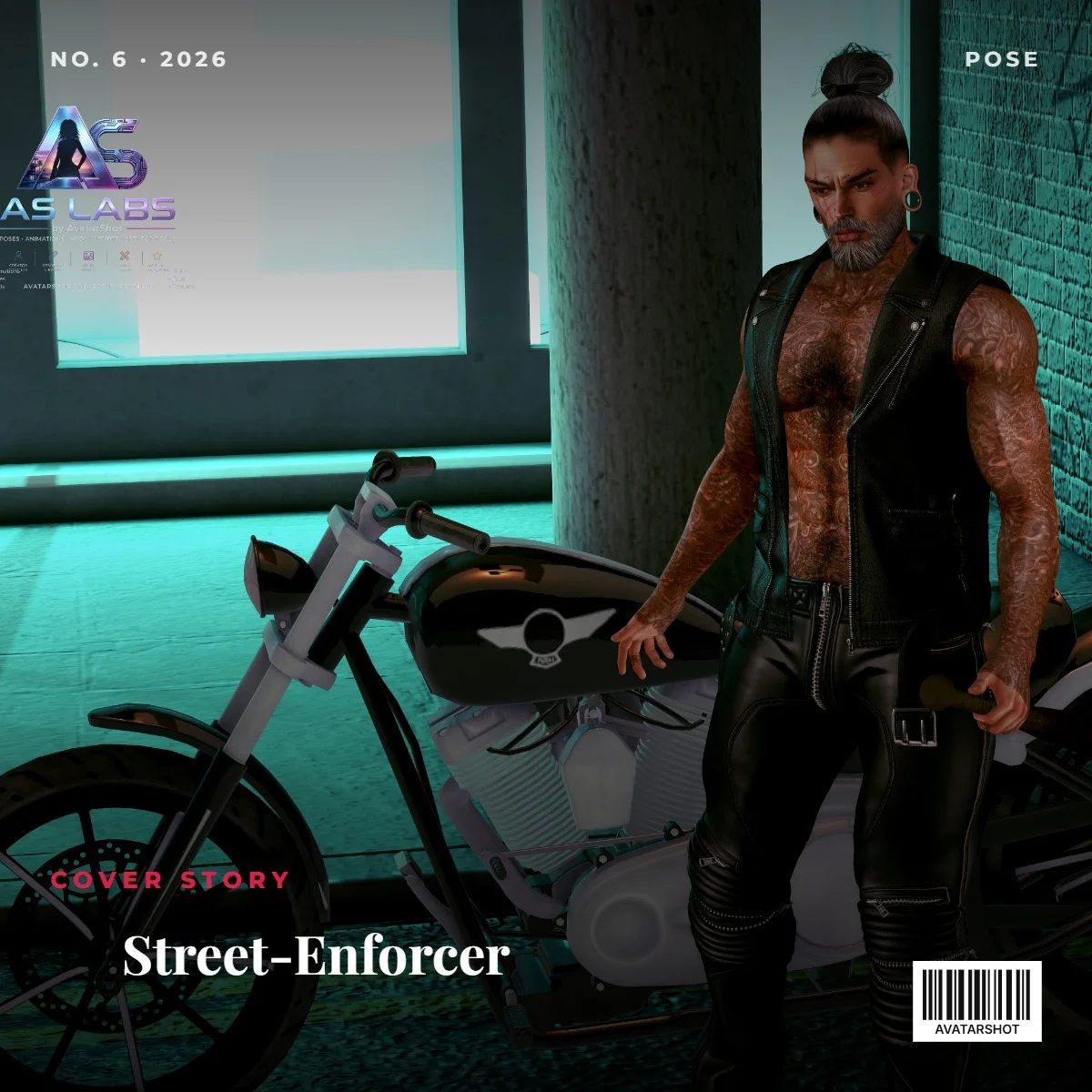
📸 Seen in members’ shots

Real photos from AvatarShot members wearing or using it.

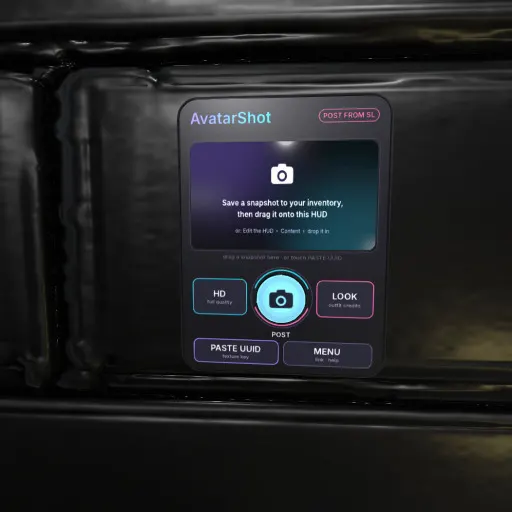
AvatarShot Post HUD - Read me ============================= Post your Second Life snapshots to AvatarShot without leaving the grid, with the place and the credits of what you wear already filled in. FIRST TIME (once) 1. Join AvatarShot free at avatarshot.com and verify this avatar (Settings > Second Life). 2. Wear the HUD. Touch MENU > Link. 3. The AvatarShot bot sends you a code by IM: type it in the HUD. POST A SNAPSHOT 1. Open Snapshot in your viewer and choose "Save to inventory" (Second Life charges its usual upload fee). 2. Drag the snapshot from your inventory onto the HUD. It shows on the HUD screen. Or: touch PASTE UUID and paste the texture UUID (inventory: right-click the snapshot > Copy Asset UUID). 3. Touch the round shutter. Write a caption (#tags welcome), choose the rating: General, Moderate or Adult 18+. 4. In about a minute the shutter turns green and your new post opens. THE BUTTONS - Shutter (round): post the snapshot on the screen. - HD: full quality. Save the snapshot to your computer instead, touch HD and pick the file on the page that opens: the place and the outfit credits are already filled in. - LOOK: shows the outfit credits your next post will carry. - PASTE UUID: post a snapshot by its texture UUID. - MENU: link / unlink, outfit credits on / off, clear the screen, your profile, help. SHUTTER COLOURS Cyan = ready · Amber = working · Green = posted · Red = something to fix (the HUD tells you what in chat). GOOD TO KNOW - Only your own snapshots can be posted. The same rules as on the website apply: ratings, safety checks, Content Guidelines. - Outfit credits: brands with a verified store on AvatarShot are credited by their store name; others by the name in brackets ("[Brand] Item") or by the creator's name. Scripts, AOs and relays are left out. You can change credits on AvatarShot after posting. - The HUD works only for the avatar it is linked to. Help: avatarshot.com/docs (Post from Second Life) · support on avatarshot.com

⭐ Reviews 5.0/5

Only verified buyers can review: bought on the SL Marketplace, at the store’s in-world vendors, or with the AvatarShot wallet.

PurrfectlyWicked ★★★★★ ✓ Verified purchase · in-world store 2 days ago

the hud is well designed, I would possibly like a lil bigger, i have old eyes ;p hehe but it works, its a very good tool especially for those of us with shops, snap and post ;p

Reply from AS LABS

Thanks so much for the wonderful review! 😂 Don't worry, your eyes are just fine—we're actually looking into sizing options or adjustable HUD scaling for a future update so it's even easier to read! So glad to hear it's helping streamline things for your shop. Happy snapping! 📸✨

More from AS LABS

Loading comments…