Comments (6)

I love this, the wau you pick up all the wearables is magic. However, I couldn't get the snapshot to drag (I used the UUID) and the cost would stop me doing a lot of them - perhaps there may be a way to pick up the snapshot from a PC

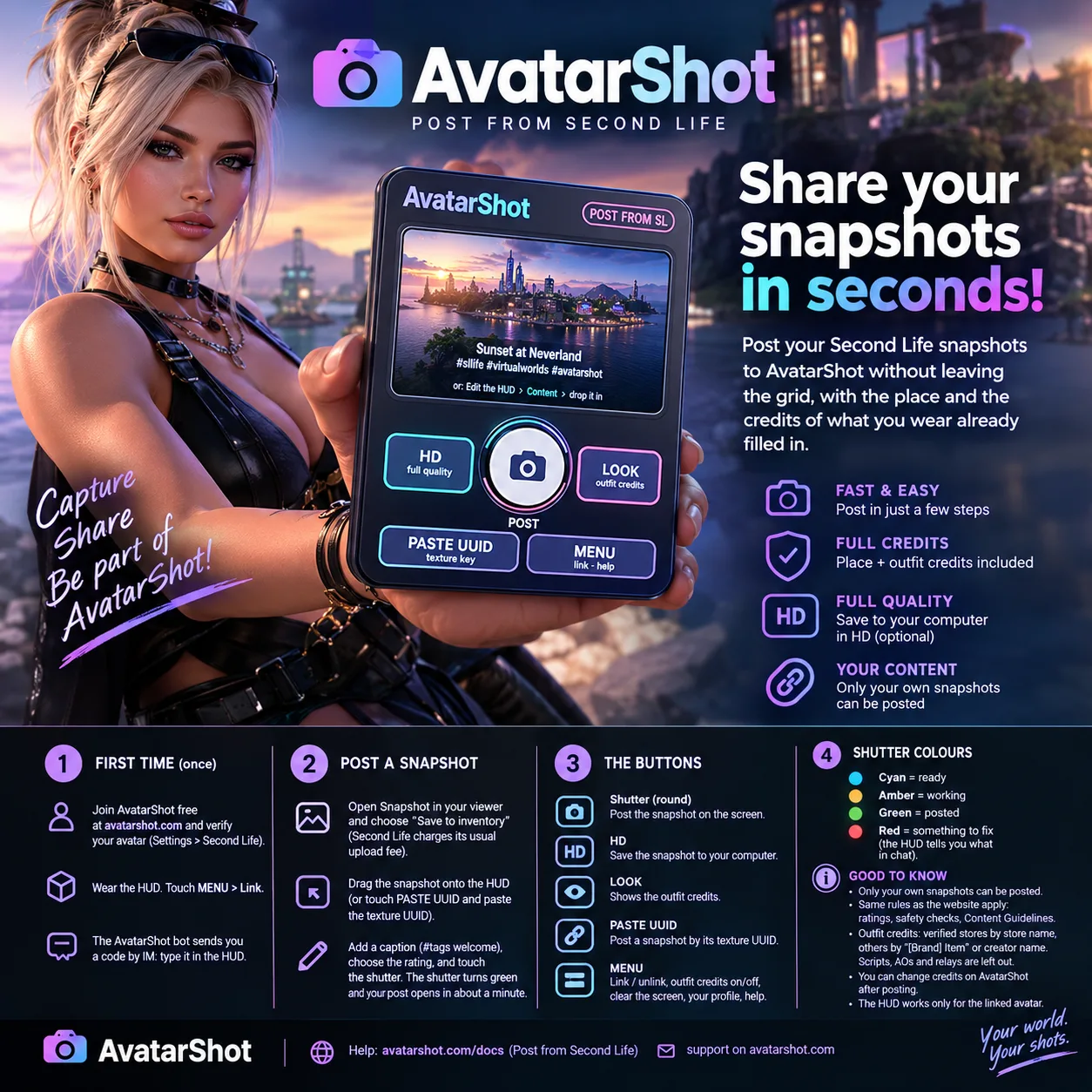
Thank you, so glad you like the outfit credits! 💜 Dragging can't work, sadly: Second Life doesn't allow dropping items into something you're wearing, so the UUID is the right way. About the cost, there's already a free route from your PC: save the snapshot to your computer (Snapshot → Save to disk), then touch HD on the HUD. It opens the AvatarShot upload page with your place and all your outfit credits already filled in. You only add the photo from your PC, at full quality, with no SL upload
If anything doesn't fill in as expected, just tell me and I'll look into it right away.
@slenderhuntsman Thanks fir that - I didn't pick ip on the ability to pick up from the PC. Will give it a go 💋
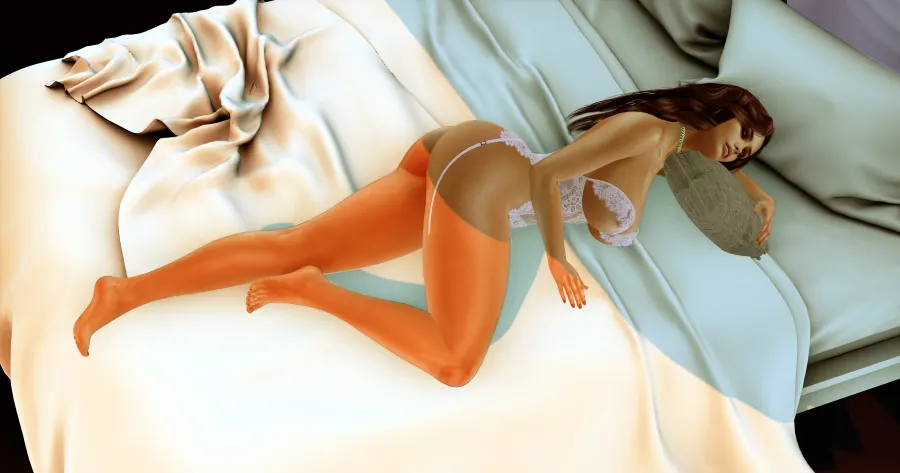

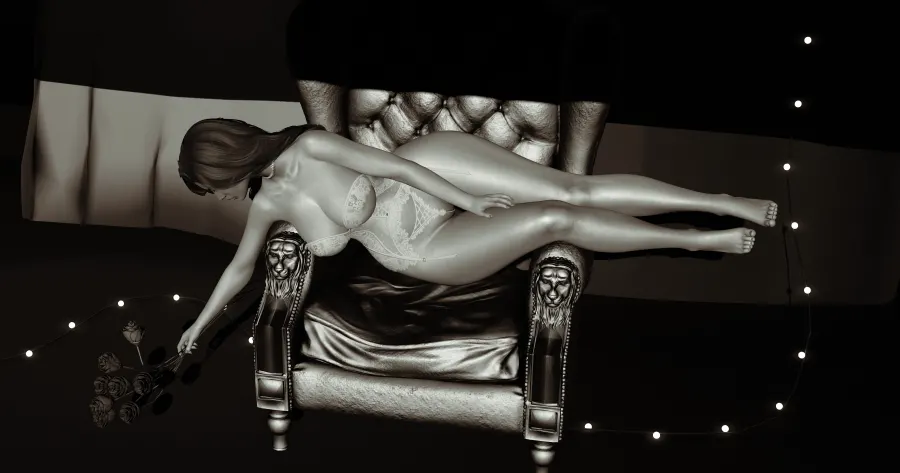
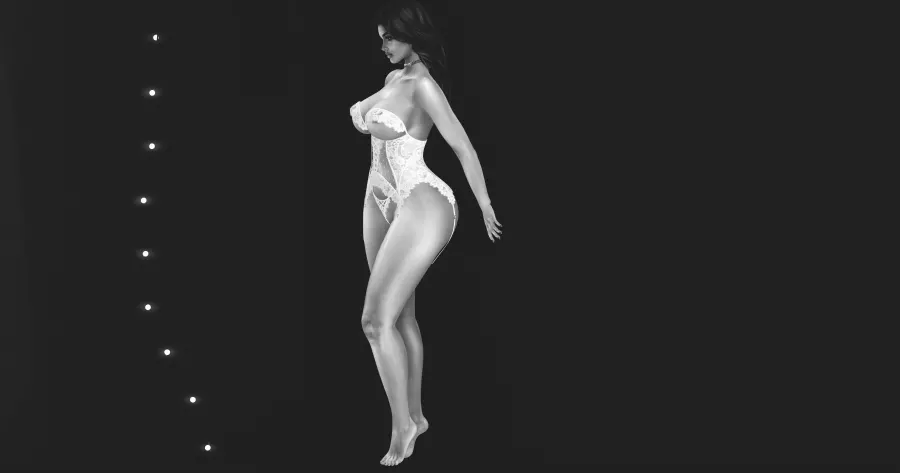
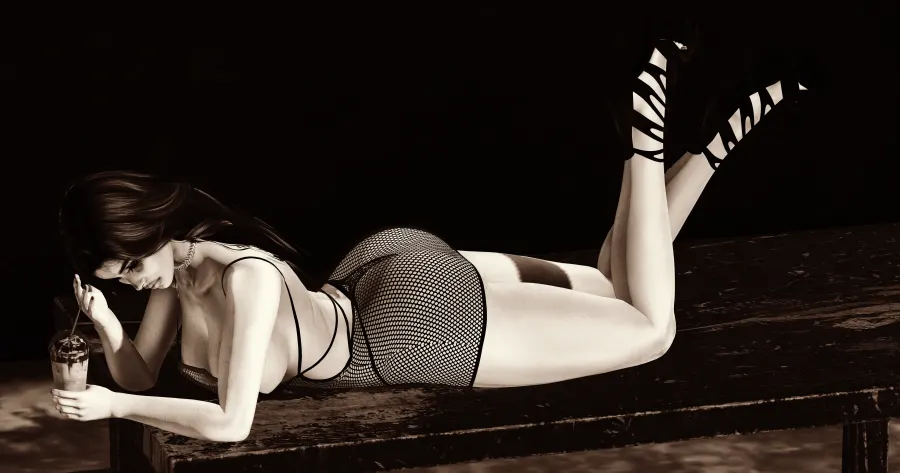
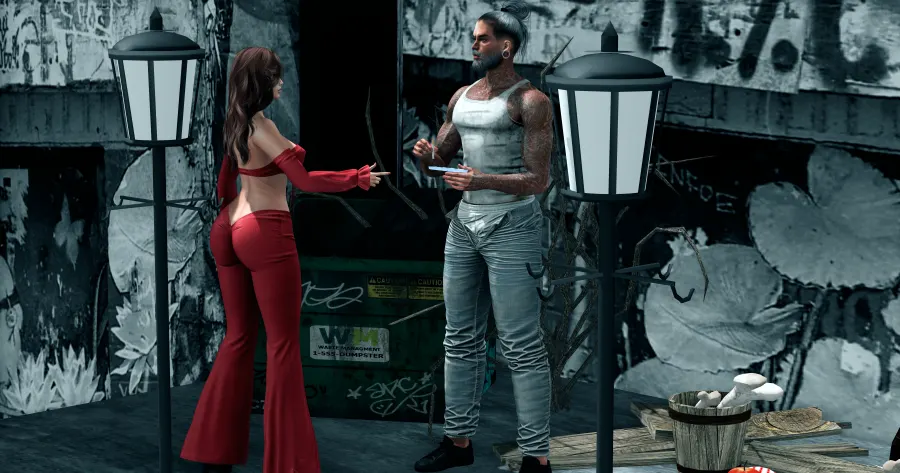

I tried it with this shot https://avatarshot.com/shots/1371 . It worked well with the UUID but as Devika said below I could not drag it.
Thank you for testing it, and lovely shot! You're right: dragging can't work, because Second Life doesn't let you drop items into something you're wearing (a HUD is an attachment). The UUID route is the right one: right-click the snapshot in your inventory → Copy Asset UUID → touch PASTE UUID on the HUD. We're updating the HUD instructions so they say this clearly.